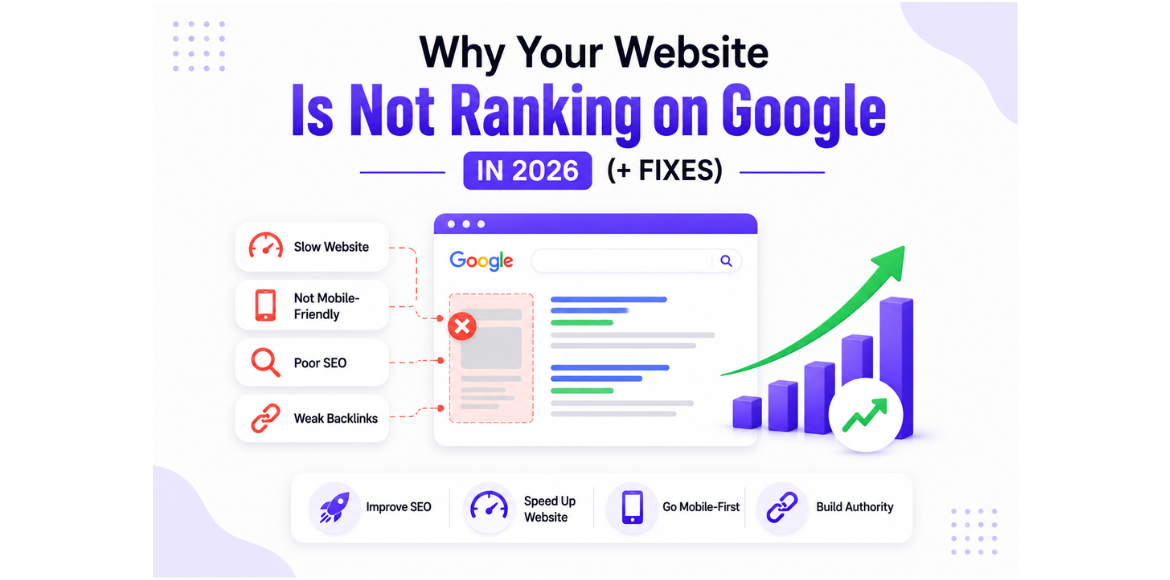


Why Your Website Is Not Ranking on Google (How to Check Indexing + Fix Issues)

Introduction
You’ve built your website, added content, and maybe even shared it on social media.
But when you search on Google… nothing shows up.
Frustrating, right?
If your website is not ranking on Google, the problem is often not your effort — it’s indexing and SEO issues that go unnoticed. You can understand how indexing works using Google Search Console and improve your strategy with tools like SEMrush.
In this guide, you’ll learn:
- Why your website is not ranking
- How to check website indexing using tools like Google Search Console
- Step-by-step fixes to improve your ranking
What Does Website Indexing Mean?
Before your website can appear on Google, it must be indexed.
Indexing means:
- Google has discovered your website
- Stored it in its database
- Made it eligible to appear in search results
If your site is not indexed, it will never rank — no matter how good your content is.
How to Check If Your Website Is Indexed
The first step is to check website indexing.
Method 1: Google Search
Type this in Google:
site:yourdomain.com
If pages appear → your site is indexed
If nothing shows → your site is NOT indexed ❌
Method 2: Use Google Search Console
- Go to URL Inspection
- Enter your page URL
- Check indexing status
This is the most accurate way to verify indexing.
Why Your Website Is Not Ranking on Google
Here are the most common reasons:
1. Your Website Is Not Indexed
If Google hasn’t indexed your pages, they won’t appear in search results.
This is the #1 reason most new websites fail to rank.
2. You Didn’t Submit Your Website to Google
If you haven’t submitted your site in Search Console, Google may take longer to find it.
3. No Proper Keyword Targeting
Without targeting keywords like:
- Check website indexing
- Google indexed pages check
Google doesn’t understand your content.
4. Technical SEO Issues
- Broken links
- Crawl errors
- Poor site structure
These prevent Google from properly reading your site. You can follow website optimization techniques to fix these issues effectively.
5. Robots.txt or Noindex Issues
Sometimes websites accidentally block Google.
Example:
- Noindex tag
- blocked in robots.txt
6. No Backlinks
If no other websites link to you, Google sees your site as less trustworthy.
7. New Website (Very Important)
If your site is new:
Ranking takes time (2–8 weeks minimum)
How to Fix Website Indexing and Ranking Issues
Now the important part — how to fix it
1. Submit Your Website to Google
- Submit sitemap
- Request indexing for pages
2. Fix Indexing Issues
- Remove noindex tags
- Update robots.txt
- Ensure pages are crawlable
3. Optimize Your Content
- Use target keywords naturally
- Add headings (H1, H2, H3)
- Improve readability
You can also explore AI in digital marketing to improve your content strategy and SEO performance.
4. Improve Website Speed & Mobile Friendliness
Google prefers:
Fast-loading websites (use tools like check your website speed to improve performance)
- Mobile-optimized pages
5. Build Backlinks
Start simple:
- Publish blogs on Medium
- Share on social media
- Get mentions from other websites
6. Update Content Regularly
Google prefers active websites.
Keep posting blogs consistently.
Tools to Check Website Indexing
You can use:
- Google Search Console
- Google search (site: operator)
- SEO tools like SEMrush
Conclusion
If your website is not ranking on Google, don’t panic.
In most cases, the issue is:
👉 Indexing problems
👉 Lack of SEO optimization
👉 No keyword targeting
The good news?
All of these can be fixed.
Need Help Ranking Your Website?
At Adikarah, we help businesses:
- Fix SEO issues
- Improve rankings
- Generate real leads
Get in touch with us and start growing your online presence today.
FAQS
1. Why is my website not ranking on Google?

2. How can I check if my website is indexed on Google?

site: yourdomain.com on Google
Or use Google Search Console → URL Inspection tool to see the exact indexing status.
3. How long does it take for a website to rank on Google?

4. What are the common indexing issues affecting ranking?

Pages blocked by robots.txt
Noindex tags
Missing sitemap
Crawl errors
Poor internal linking
5. How can I fix website ranking issues quickly?

Submit your site in Google Search Console
Fix indexing and technical issues
Optimize content with keywords
Improve website speed
Build backlinks